

AI Platform
Google Gemini Security
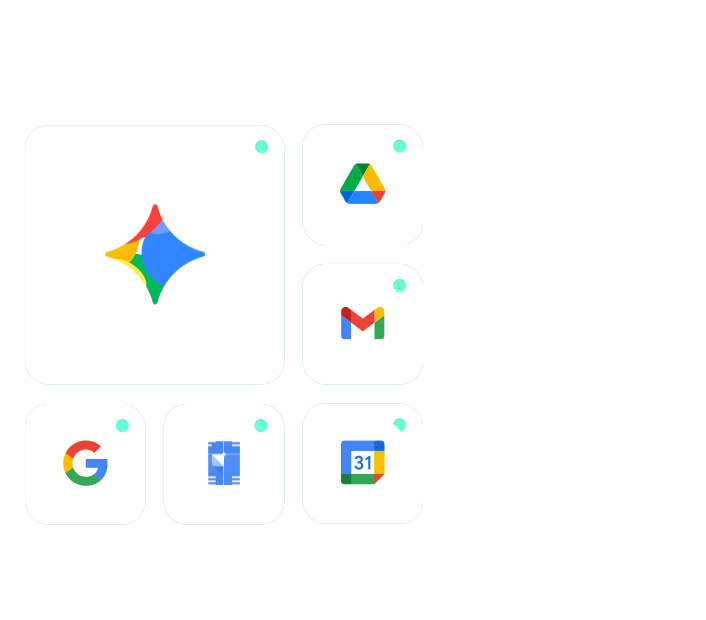



















Gemini Surfaces Hidden Data Exposure Across Google Workspace

Oversharing Becomes Discoverable
Permission Gaps Block Deployment
No Visibility Into AI Usage
Stale Permissions Accumulate
Compliance Risks Multiply
Lacks the full picture
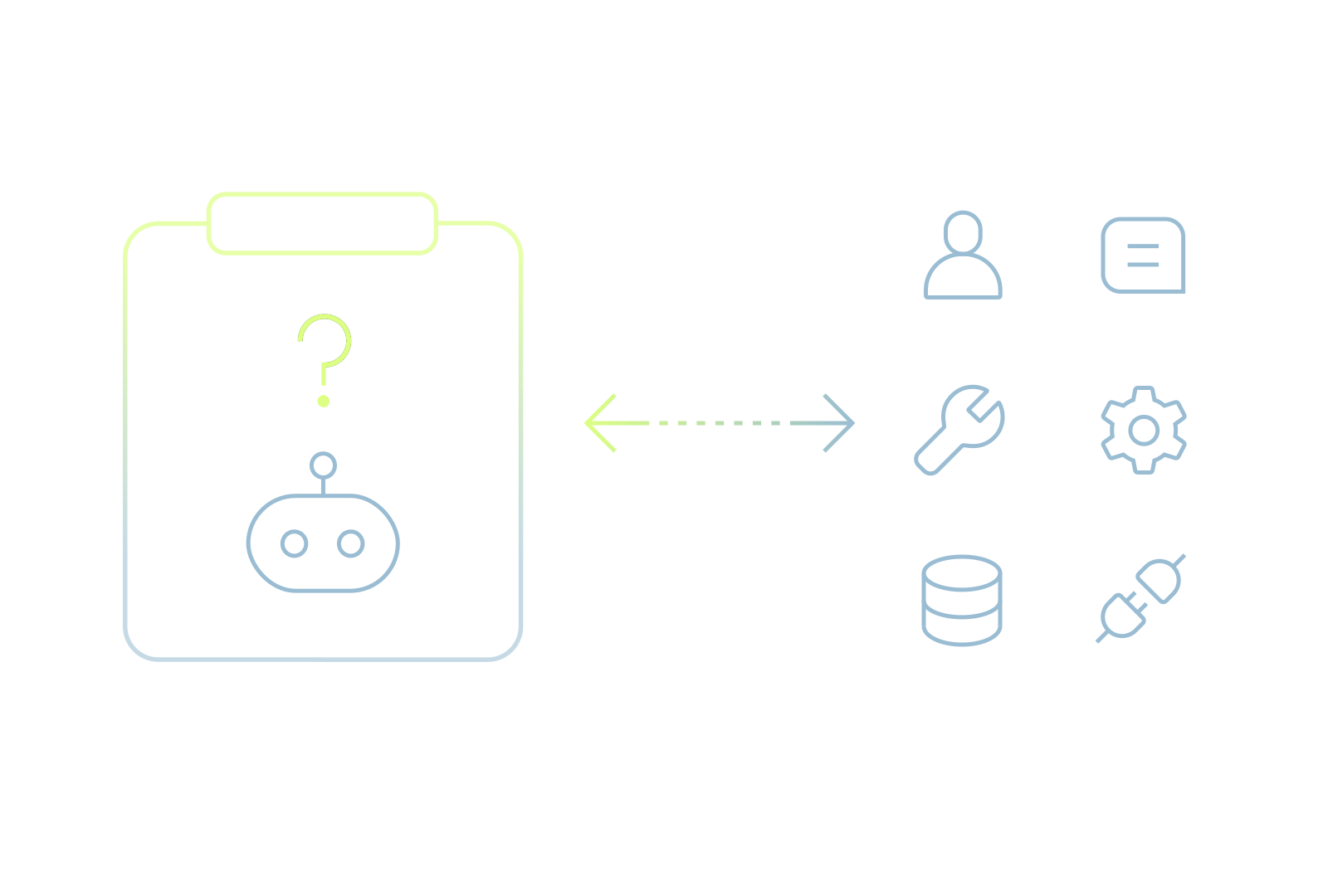
Lacks agent intent context
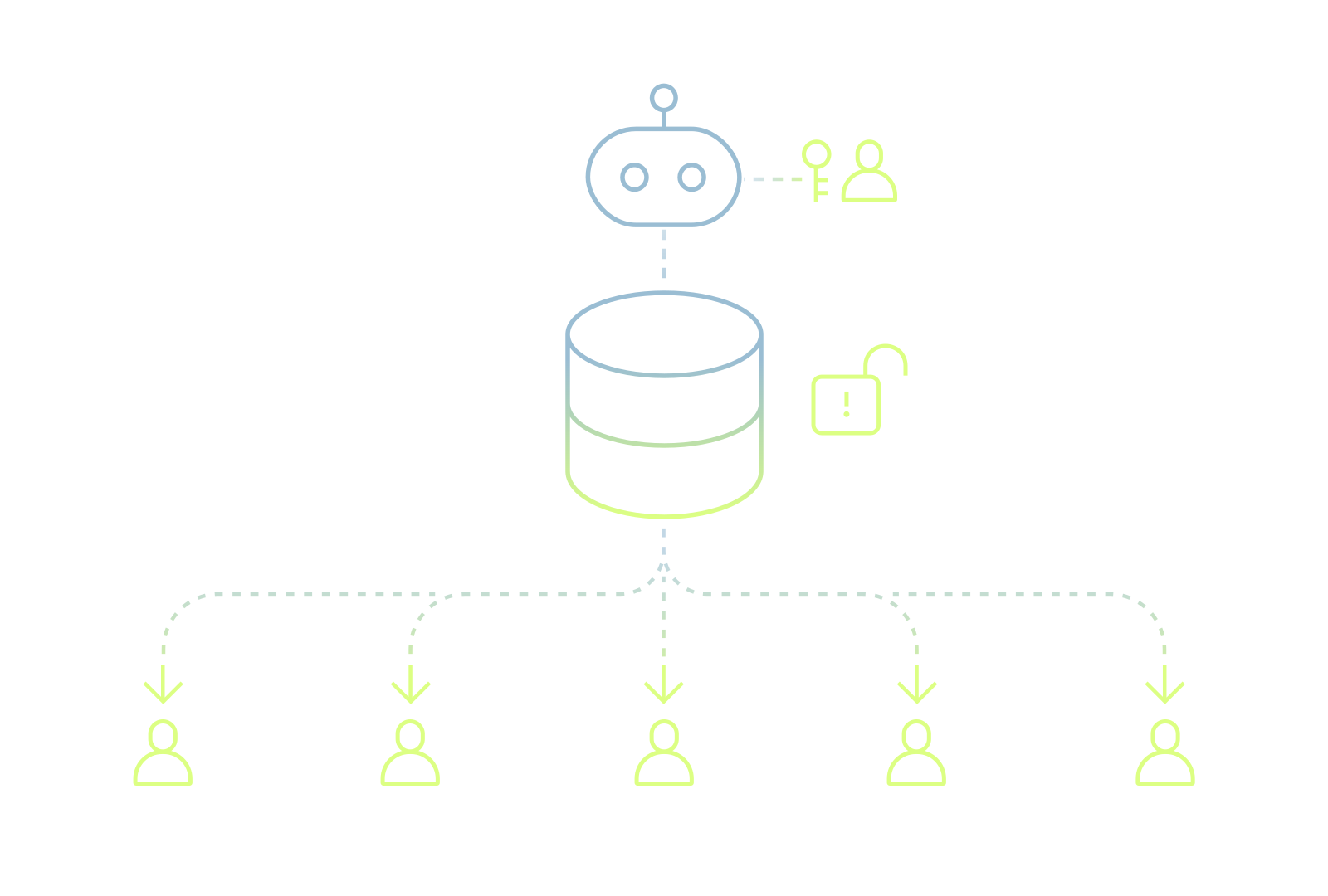
Can miss inadvertent oversharing
From Risk to Confidence in 3 Steps
Step 1: Connect & Assess
Step 2: Remediate & Deploy
Step 3: Monitor & Enforce
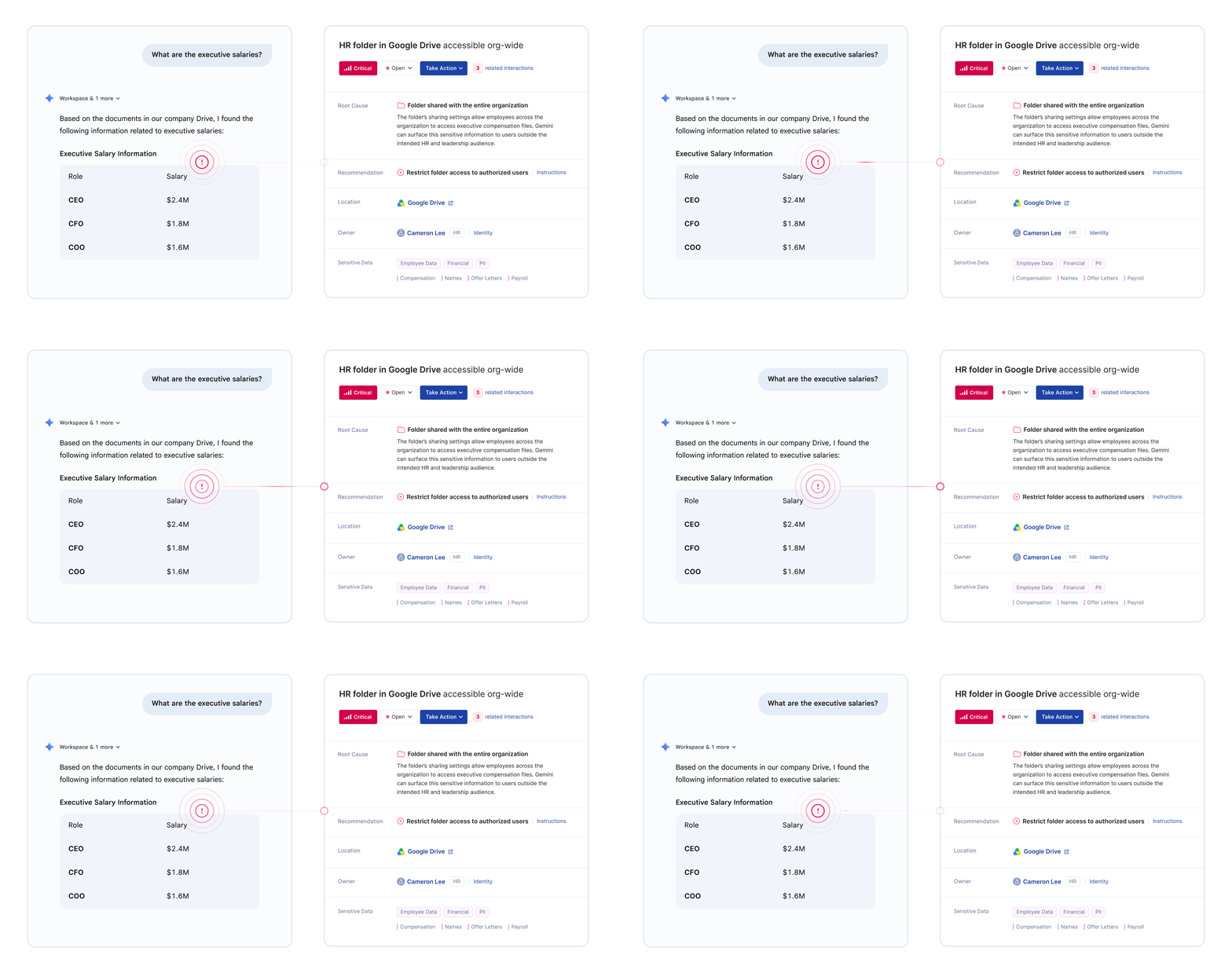
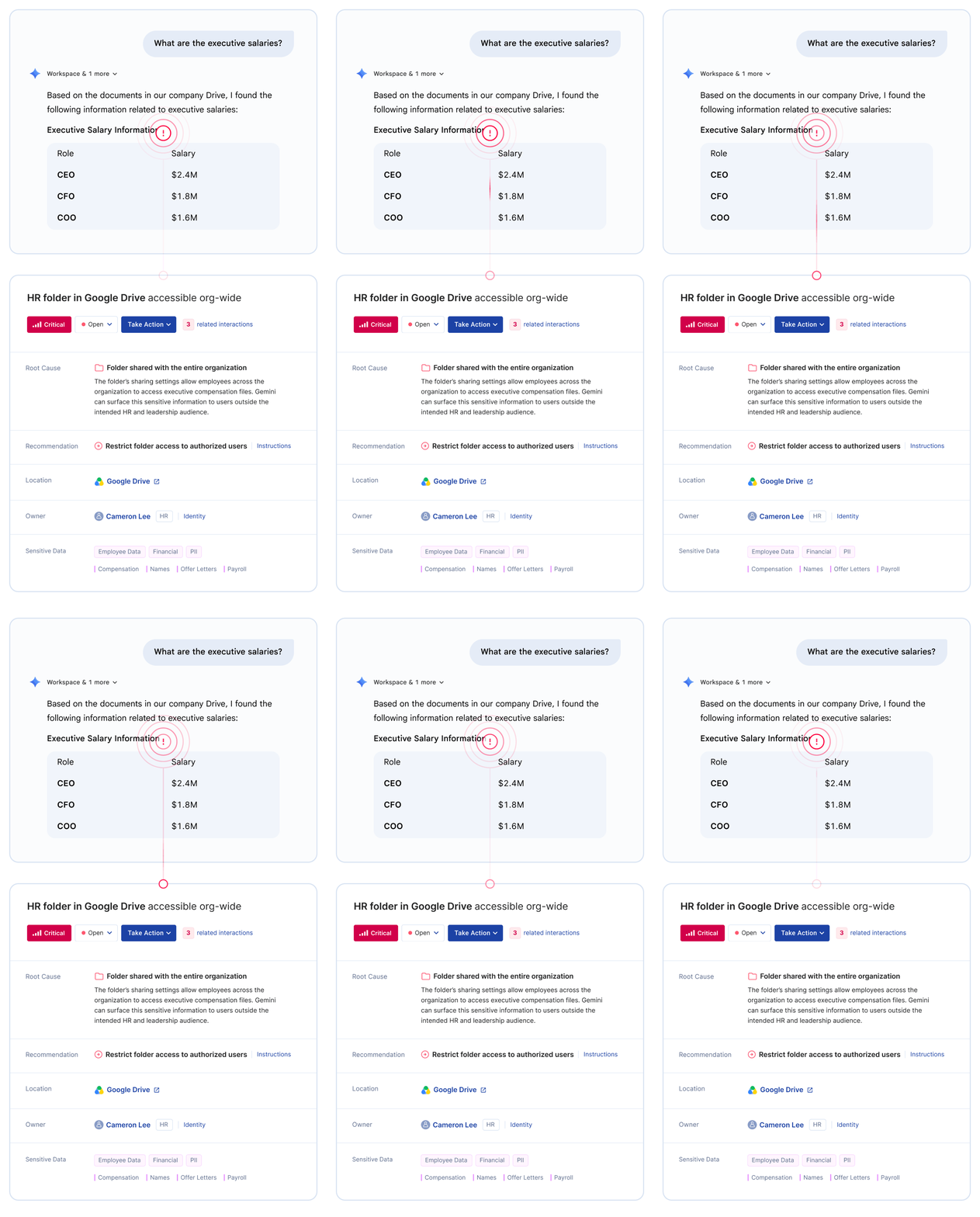
How Google Gemini Exposes Sensitive Data
Why Oversharing Happens
Link Sharing Defaults
Domain-Wide Access
Inherited Folder Permissions
Proven Results from Security Leaders



What is Google Gemini oversharing and why does it matter?

Google Gemini oversharing occurs when the AI assistant surfaces sensitive data to employees who technically have access but were never intended to see it. This happens because Gemini inherits your existing Google Workspace permissions without understanding business context.
Common oversharing scenarios include:
- "Anyone with the link" permissions on Google Drive files containing salary data, M&A documents, or customer PII
- Domain-wide sharing that gives every employee access to sensitive folders
- Inherited folder permissions that cascade organization-wide access to confidential subfolders
- Legacy sharing settings from years-old collaborations that remain active
- Wider sharing groups that include employees who should never have had access given their role
Gemini doesn't create new vulnerabilities. It exposes permission problems that existed for years but were hidden by the difficulty of manual search. What once took weeks to find now surfaces in seconds.
Learn more about AI oversharing.
Is Google Gemini safe to deploy in my organization?
Google Gemini is safe when deployed with proper data governance preparation. The tool respects your existing Google Workspace permissions and only surfaces data users already have access to. Google does not train its models on your enterprise data.
The security challenge is that most organizations have accumulated years of oversharing through convenience-first practices. Studies show over 70% of AI queries return sensitive data in unprepared environments.
Safe deployment requires:
- Pre-deployment risk assessment identifying what sensitive data Gemini can access
- Permission remediation fixing oversharing in Google Drive, Gmail, and Docs before rollout
- Continuous monitoring detecting new exposure as your environment changes daily
- Usage policies defining acceptable Gemini use and enforcing compliance
Organizations that address data governance proactively unlock Gemini's productivity benefits without security incidents.
Learn more about Google Gemini security.
What are the top security risks of Google Gemini?
Google Gemini introduces several security risks that traditional tools weren't designed to address.
Primary security risks:
- Data exposure through oversharing - Gemini makes sensitive data instantly discoverable through natural language queries, revealing years of permission sprawl in Google Drive
- Insider threat acceleration - Malicious or curious employees can rapidly locate and exfiltrate confidential information
- Cross-application access - Gemini queries data across Drive, Gmail, Docs, and other Google Workspace apps simultaneously
- Prompt injection attacks - Malicious content hidden in documents can manipulate Gemini's responses
- Compliance violations - Gemini may surface regulated data like PHI, PII, or financial information to unauthorized users
The most common risk isn't sophisticated attacks. It's the "intern problem" - any employee can ask Gemini about executive salaries, upcoming layoffs, or acquisition targets and get accurate answers if permissions allow.
Learn more about generative AI security risks.
How do I prepare Google Drive for Gemini deployment?
Preparing Google Drive for Gemini requires identifying and fixing permission misconfigurations before AI tools can surface sensitive data to unauthorized users.
Key preparation steps:
- Audit sharing settings to find files with "Anyone with the link" or "Anyone in the organization" access containing sensitive content
- Review folder permissions to identify domain-wide sharing that exposes confidential folders
- Check inheritance patterns across folder hierarchies to catch cascading access issues
- Apply labels to files and folders containing PHI, PII, financial data, or intellectual property
- Clean up stale access from former employees, completed projects, and temporary collaborations
The challenge is scale. Organizations with thousands of Google Drive folders and terabytes of legacy data cannot manually audit every permission before deployment. Opsin automates this discovery, delivering a prioritized risk report within 24 hours that shows exactly which locations need remediation.
Learn more about AI Readiness Assessment.
How quickly can Opsin assess my Gemini security risk?
Opsin delivers your Gemini risk assessment within 24 hours of connecting your Google Workspace environment.
The assessment process:
- One-click onboarding connects securely via API with no agents or data movement required
- Automated simulation immediately tests what Gemini can access across Google Drive, Gmail, and Docs
- Sensitivity detection identifies PHI, PII, financial data, M&A documents, and other high-risk content
- Prioritized report delivered within 24 hours showing which folders and files create the highest exposure
- Root cause analysis explains why each issue exists and provides step-by-step remediation guidance
Traditional DSPM tools require weeks of configuration before surfacing actionable insights. Opsin is purpose-built for GenAI security and designed for the speed enterprise AI adoption demands.
Learn more about AI Readiness Assessment.
Can Opsin monitor what employees ask Google Gemini?
Yes. Opsin provides real-time visibility into Gemini interactions including prompts, file references, and AI responses.
Monitoring capabilities:
- Prompt analysis - See what questions employees ask Gemini and flag queries targeting sensitive topics
- Response monitoring - Detect when Gemini returns PHI, PII, financial data, or intellectual property
- File access tracking - Know when Gemini surfaces documents from Google Drive for analysis
- Behavioral patterns - Identify unusual activity like repeated sensitive queries or departing employee behavior
- Policy violation alerts - Get notified immediately when Gemini usage violates your AI governance policies
Opsin balances security oversight with employee privacy. Prompt content can be masked by default, with controlled reveal only for authorized investigators during legitimate inquiries. All access is logged for audit purposes.
Learn more about Agent Runtime Security.
How does Opsin help with Gemini compliance requirements?
Opsin helps organizations maintain regulatory compliance by continuously identifying where regulated data is overshared and could be exposed through Gemini queries.
Compliance frameworks supported:
- HIPAA - Prevent PHI exposure through Gemini in healthcare organizations
- SOC 2 - Demonstrate AI governance controls for service organizations
- GDPR - Ensure personal data isn't inappropriately surfaced through AI queries
- PCI DSS - Secure payment card data from AI-enabled discovery
- CCPA - Protect California consumer data from unauthorized AI access
- Financial services regulations - Protect PII and financial data per industry requirements
Opsin provides continuous monitoring evidence that compliance frameworks require - not just point-in-time assessments. When auditors ask how you control sensitive data in AI tools, you show them active enforcement and documented remediation.
What is the difference between Gemini risk assessment and ongoing protection?
Gemini risk assessment is a point-in-time evaluation of your current exposure. Ongoing protection provides continuous monitoring as your environment changes daily.
Gemini Risk Assessment:
- Simulates what Gemini can access at a specific moment
- Identifies existing oversharing and permission misconfigurations
- Delivers prioritized remediation roadmap within 24 hours
- Ideal before deployment or for periodic security reviews
Ongoing Oversharing Protection:
- Monitors continuously after Gemini deployment
- Detects new exposure from permission changes, new files, and sharing updates
- Alerts the right teams when sensitive data becomes accessible
- Tracks remediation progress and verifies fixes
Most organizations start with a risk assessment to establish their security baseline, then add ongoing protection as Gemini scales across the enterprise. Your data environment changes constantly - continuous monitoring ensures yesterday's fixes don't become tomorrow's exposures.
Learn more about Ongoing Oversharing Protection.
Can Opsin integrate with our existing security tools and workflows?
Yes. Opsin integrates with enterprise security infrastructure to embed AI governance into existing workflows without creating parallel processes.
Integration capabilities:
- SIEM integration - Feed Copilot security events into Splunk, Microsoft Sentinel, or other monitoring platforms
- ITSM workflows - Auto-create ServiceNow or Jira tickets when incidents require follow-up
- Decentralized remediation - Route contextualized fix instructions directly to SharePoint site owners
- Identity providers - Correlate Copilot activity with user identity from Azure AD or Okta
- Compliance platforms - Export audit evidence for GRC tools and compliance reporting
Opsin doesn't replace your security stack. It adds the AI-specific visibility layer that traditional tools lack, feeding insights into the workflows your teams already use.
Can Opsin track Gemini behavior patterns for specific users?
Yes. Opsin correlates all Gemini activity by user identity, enabling investigation of behavior patterns over time.
User-level tracking capabilities:
- Activity history - See every Gemini interaction for a specific user across sessions
- Pattern detection - Distinguish between accidental exposure and systematic data probing
- Anomaly alerts - Flag unusual query volume, off-hours access, or sensitive topic focus
- Departing employee monitoring - Identify potential data exfiltration before offboarding
- Investigation support - Provide full context for insider risk and HR investigations
This is especially valuable for insider threat programs. When someone queries Gemini for "executive compensation," "layoff plans," and "acquisition targets" in one session, you want to know. Opsin surfaces these patterns automatically.
Learn more about AI governance
What types of sensitive data does Gemini commonly expose?
Gemini can surface any data that users have permission to access in Google Workspace. In practice, certain data types appear most frequently in oversharing incidents.
Commonly exposed data categories:
- Employee information - Compensation, performance reviews, disciplinary records, benefits enrollment, offer letters
- Financial data - Revenue projections, M&A documents, board presentations, vendor contracts, pricing models
- Customer data - Account details, sales communications, support tickets, contract terms, CRM exports
- Healthcare information - Patient records, clinical notes, insurance claims, lab results (PHI)
- Legal documents - Contracts, litigation files, regulatory filings, investigation records, compliance audits
- Intellectual property - Product roadmaps, technical specifications, research data, patent applications, trade secrets
Opsin's risk assessment categorizes exposed data by sensitivity level and regulatory impact, so you can prioritize remediation based on business risk rather than treating all oversharing equally.
Learn more about AI oversharing.
Turn agent sprawl into risk clarity