
AI Platform
Copilot Studio Security





















Copilot Studio Agents Multiply Faster Than Security Can Track

Agent Sprawl Without Inventory
Data Connections Outside Security Review
No Visibility Into Agent Behavior
Orphaned Agents Persist
Compliance Gaps Widen
Lacks the full picture
Lacks agent intent context
Can miss inadvertent oversharing
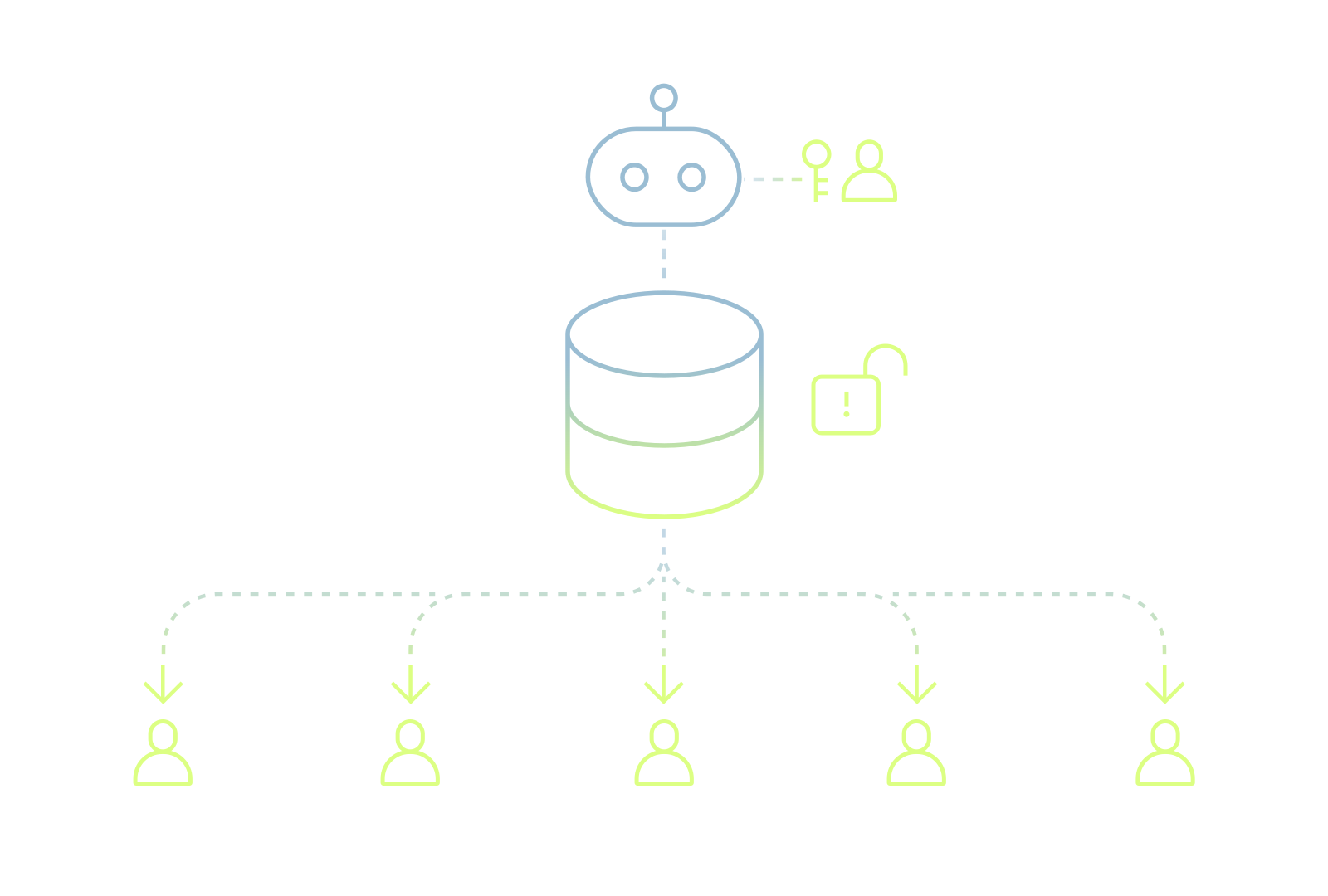
From Agent Sprawl to Full Governance in 3 Steps
Step 1: Discover & Inventory
Step 2: Assess & Prioritize
Step 3: Govern & Monitor
How Copilot Studio Agents Expose Sensitive Data
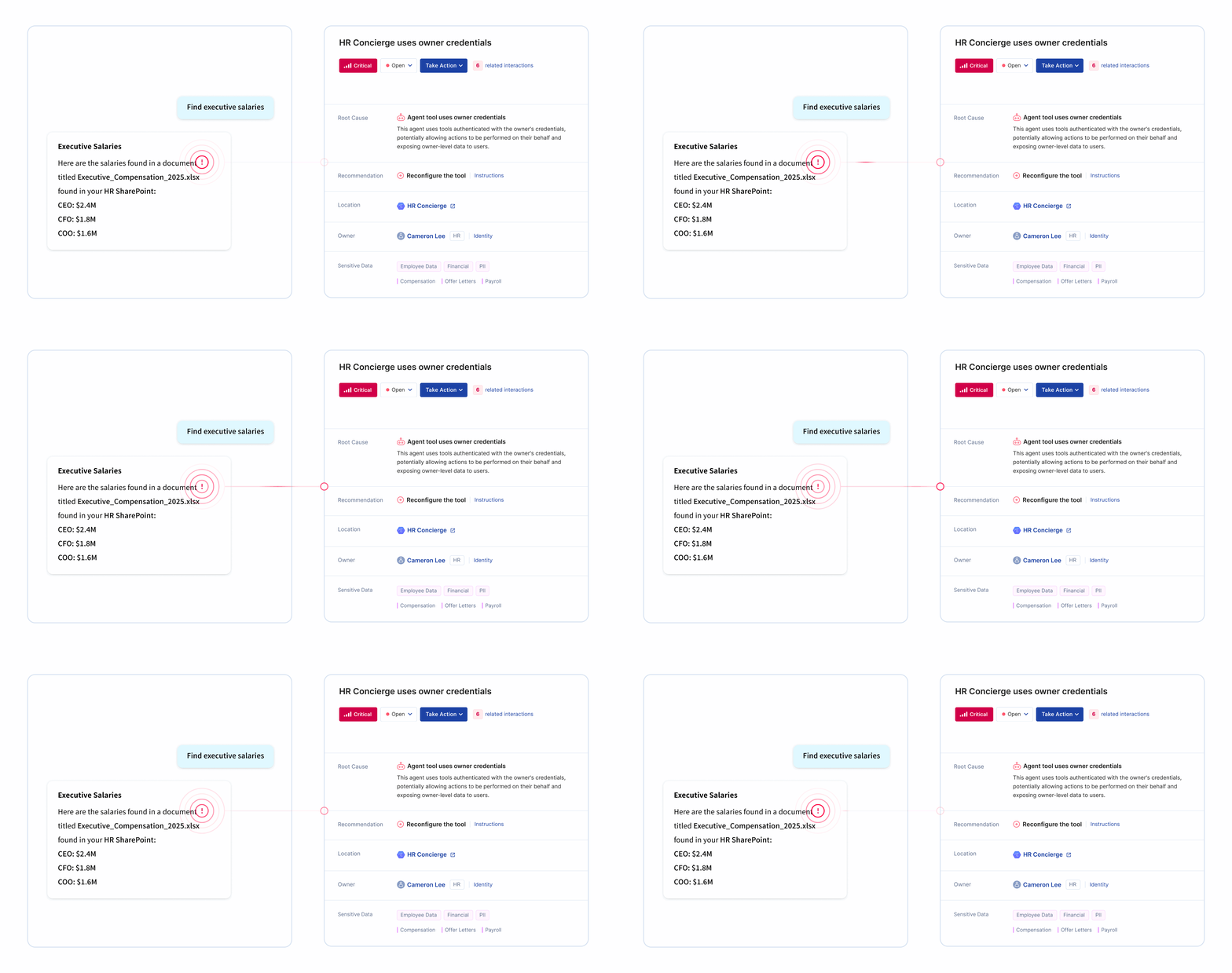
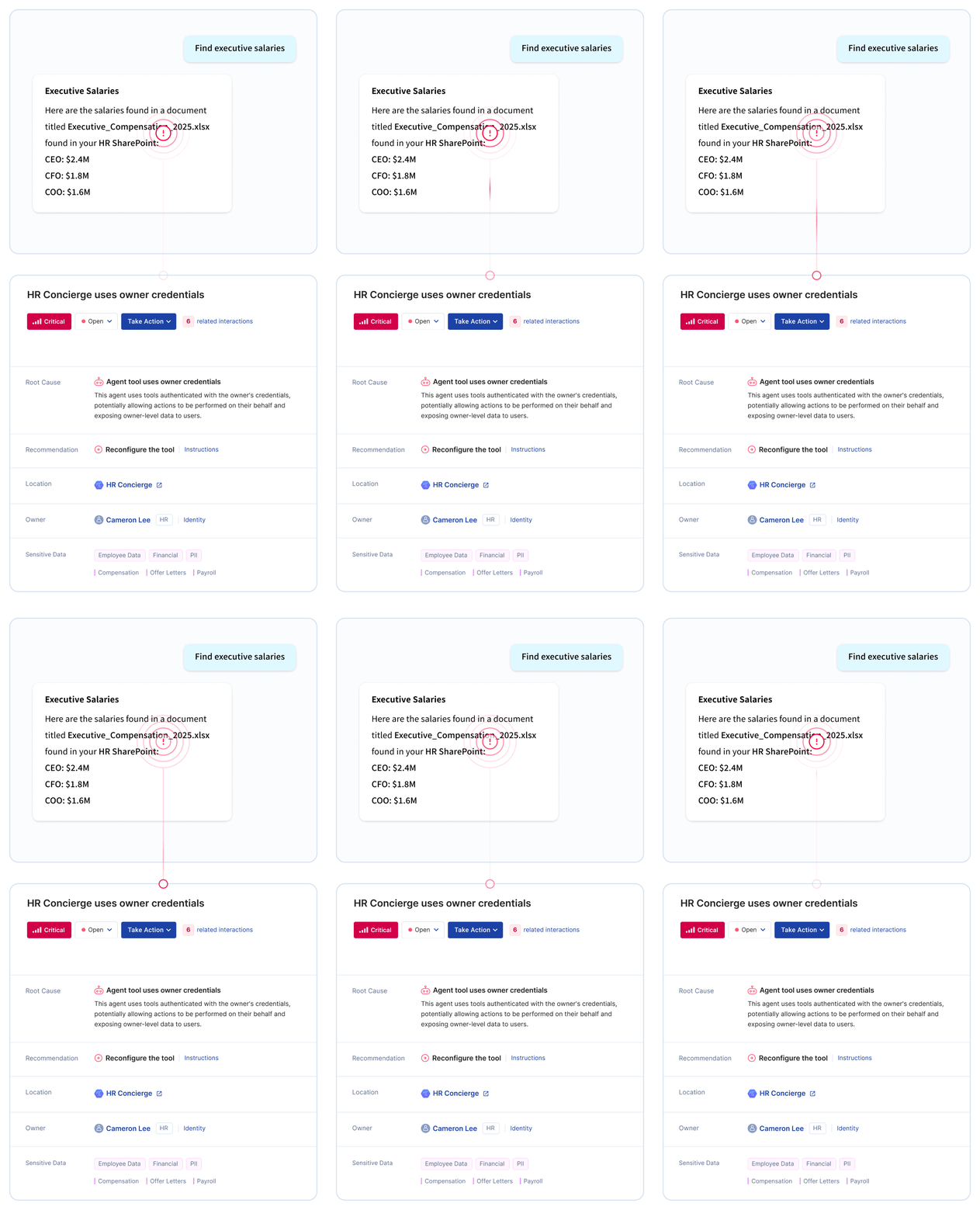
Why Oversharing Happens
Agents Multiply Without Oversight
Permissions Expand Over Time
Data Flows Become Untraceable
Proven Results from Security Leaders



What is Copilot Studio and why does it create security risk?

Copilot Studio is Microsoft's platform for building custom AI agents that can connect to enterprise data sources, execute actions, and interact with users through natural language. Employees use it to create bots for customer service, internal FAQs, workflow automation, and more.
Security risks from Copilot Studio include:
- No central inventory - Security teams often don't know how many agents exist or who created them
- Data connections to sensitive systems - Agents can connect to SharePoint, Dataverse, SQL databases, and external APIs containing PHI, PII, and financial records
- Permission gaps - Agent builders may not understand the security implications of their configurations
- Orphaned agents - Agents persist after employees leave, creating ungoverned access paths
- Wider sharing than intended - Agents shared across teams can expose regulated data to employees who shouldn't have access given their role
Copilot Studio empowers citizen development, but without governance, it creates AI agent sprawl that security teams can't track or control.
Learn more about agentic AI security.
How is Copilot Studio different from Microsoft 365 Copilot?
Microsoft 365 Copilot and Copilot Studio serve different purposes and create different security challenges.
Microsoft 365 Copilot:
- AI assistant embedded in Office apps (Word, Excel, Outlook, Teams)
- Queries existing data across SharePoint, OneDrive, and Exchange
- Risk is oversharing - Copilot surfaces data users shouldn't see
- Security focus is permission remediation before deployment
Copilot Studio:
- Platform for building custom AI agents
- Agents connect to multiple data sources and can take actions
- Risk is agent sprawl - ungoverned agents accessing sensitive systems
- Security focus is discovery, inventory, and governance of agents
Organizations deploying Microsoft 365 Copilot should also govern Copilot Studio. Employees who get comfortable with Copilot often start building custom agents, creating new security challenges that require different controls.
Learn more about Microsoft Copilot security.
What data sources can Copilot Studio agents connect to?
Copilot Studio agents can connect to a wide range of enterprise data sources, each creating potential exposure paths for sensitive information.
Common data connections include:
- SharePoint - Document libraries, lists, and sites containing PHI, PII, financials, and IP
- Dataverse - Business data including customer records, sales data, and operational information
- SQL databases - Direct connections to databases containing regulated or sensitive data
- Power Platform connectors - Hundreds of pre-built connectors to external services and APIs
- Custom APIs - Connections to internal systems and third-party applications
- Azure services - Cognitive services, storage, and other Azure resources
- MCP (Model Context Protocol) - Standardized connections to external tools and data sources that expand agent capabilities
Each connection expands what the agent can access. Without inventory and assessment, security teams can't know which agents connect to which systems or whether those connections are appropriate.
Learn more about AI Readiness Assessment.
How does Opsin discover Copilot Studio agents?
Opsin automatically discovers all Copilot Studio agents across your environment without relying on employee self-reporting or manual audits.
Discovery capabilities:
- Automatic inventory - Find every agent across your tenant within 24 hours
- Ownership identification - Know who created each agent and who maintains it
- Data connection mapping - See exactly what systems and data sources each agent can access
- Permission analysis - Understand who can use each agent and what they can do with it
- Configuration review - Analyze instructions, knowledge sources, and tool integrations
- Deployment status - Track which agents are published, shared, or in development
Security teams get complete visibility into their Copilot Studio footprint without disrupting the business users who build agents.
Learn more about AI agent governance.
How does Opsin assess risk for Copilot Studio agents?
Opsin classifies agents based on their intent, using context to assess what each agent is meant to do and what sensitive data it processes.
Intent-based classification uses:
- Data connections - What systems and data sources does the agent access?
- Creator context - Who built the agent and what is their role?
- Instructions analysis - What is the agent configured to do based on its prompts and guidelines?
- Description review - How is the agent described and what purpose does it serve?
- Tool calling capabilities - What actions can the agent take and what integrations does it use?
- Sensitive data processing - What PHI, PII, financial records, or IP flows through the agent?
Opsin classifies based on what agents are meant to do - not just what they technically can access.
Learn more about AI Security Assessment.
Can Opsin detect orphaned Copilot Studio agents?
Yes. Opsin identifies agents that persist without active ownership or clear business purpose.
Orphaned agent detection includes:
- Creator status tracking - Flag agents whose creators have left the organization
- Inactive agent identification - Find agents that haven't been updated or used recently
- Ownership gaps - Identify agents with no clear current owner or maintainer
- Stale connections - Detect agents connected to deprecated or decommissioned systems
- Unused permissions - Find agents with broad data access they never actually use
Orphaned agents represent ungoverned access paths that accumulate over time. Opsin surfaces them so you can remediate, reassign ownership, or decommission as appropriate.
Learn more about Ongoing Oversharing Protection.
How does Opsin help with Copilot Studio compliance requirements?
Opsin helps organizations maintain regulatory compliance by discovering agents that connect to regulated data and ensuring appropriate governance controls.
Compliance capabilities:
- PHI exposure detection - Identify agents connecting to systems containing protected health information
- PII access mapping - Find agents that can access personally identifiable information
- Financial data governance - Track agents connected to financial records and reporting systems
- Data flow audit logging - Track how sensitive data flows between people and agents, and between agents and other agents, so you know exactly where regulated data moves through your AI environment
- Policy enforcement - Ensure agents meet organizational governance requirements
- Continuous monitoring - Detect new agents connecting to regulated data as they appear
When auditors ask how you govern AI agents accessing regulated data, you show them complete inventory, risk assessment, and documented controls.
What is the difference between agent discovery and ongoing agent governance?
Agent discovery is a point-in-time inventory of existing agents. Ongoing governance provides continuous monitoring as new agents appear and existing agents change.
Agent Discovery (AI Readiness Assessment):
- Complete inventory of all Copilot Studio agents at a specific moment
- Maps data connections and assesses risk for each agent
- Delivers prioritized remediation roadmap within 24 hours
- Ideal before broad Copilot Studio enablement or for periodic reviews
Ongoing Agent Governance:
- Monitors continuously for new agents and configuration changes
- Detects when agents connect to new data sources or gain additional permissions
- Alerts when agents are shared beyond their intended scope
- Tracks remediation progress and verifies fixes
Most organizations start with discovery to establish their baseline, then add ongoing governance as Copilot Studio adoption scales. New agents appear constantly - continuous monitoring ensures yesterday's inventory doesn't become tomorrow's blind spot.
Learn more about Ongoing Oversharing Protection.
Can Opsin integrate with existing Microsoft security tools?
Yes. Opsin complements Microsoft's native security tools by adding AI-specific visibility and governance capabilities.
Integration approach:
- Microsoft Purview - Opsin adds agent discovery and governance that Purview doesn't provide
- Microsoft Defender - Feed agent security events into your existing security monitoring
- Azure AD / Entra ID - Correlate agent activity with user identity
- Microsoft Sentinel - Stream Copilot Studio security alerts to your SIEM
- Power Platform admin center - Extend native controls with deeper risk assessment
Microsoft provides the platform. Opsin provides the security layer specifically designed for AI agent governance. Organizations use both to maintain comprehensive coverage.
Learn more about Opsin's platform.
Turn agent sprawl into risk clarity