

MCP Governance
See every MCP tool agents can invoke





















of agents* were granted “allow-all” access beyond what their tasks required
Inventory MCP servers, then rank their risk
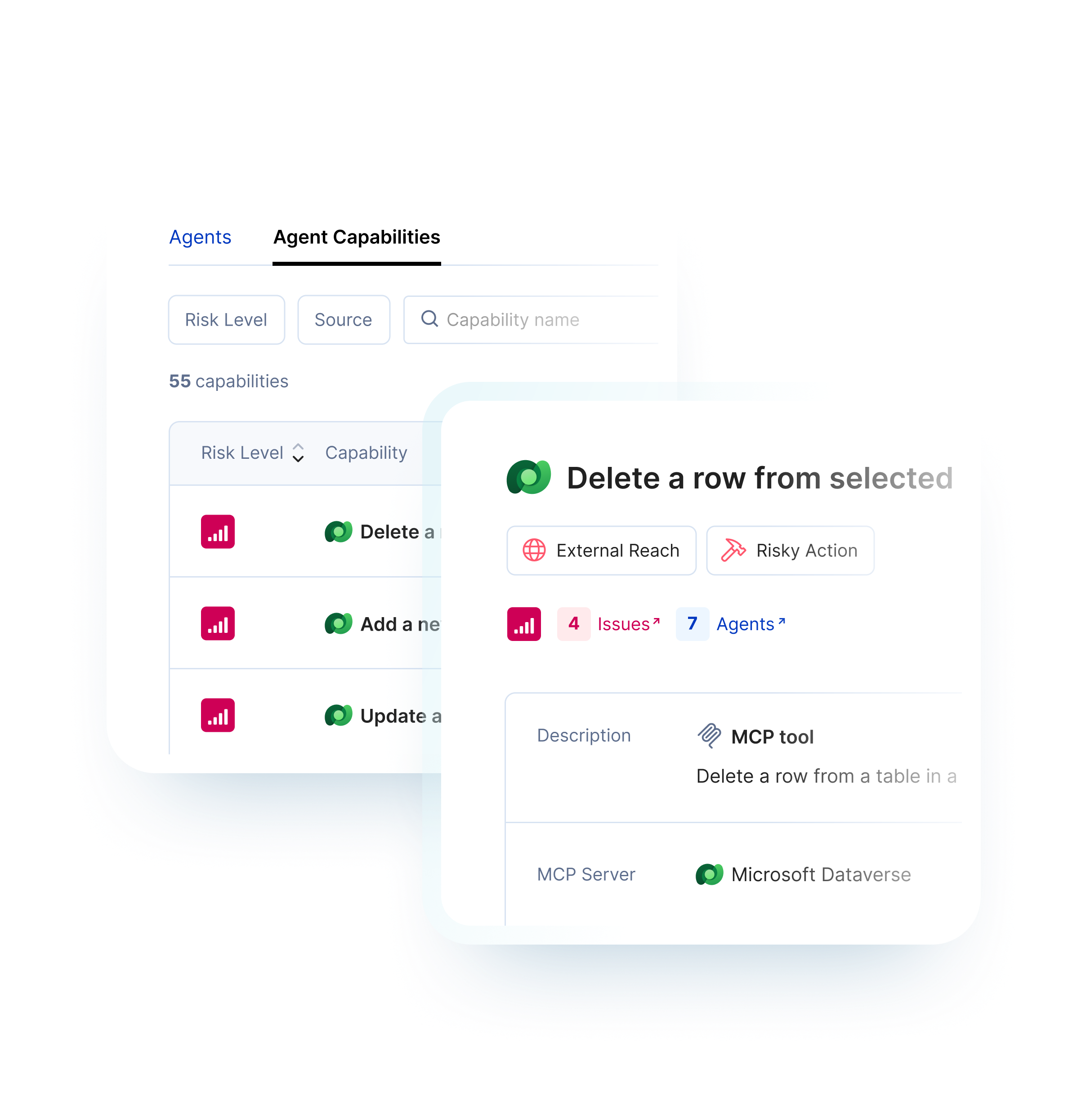
Agent Connection Visibility
Opsin inventories projects and MCP connectors to map which LLM projects, tool calls, and external inputs can reach enterprise data and what is being used.
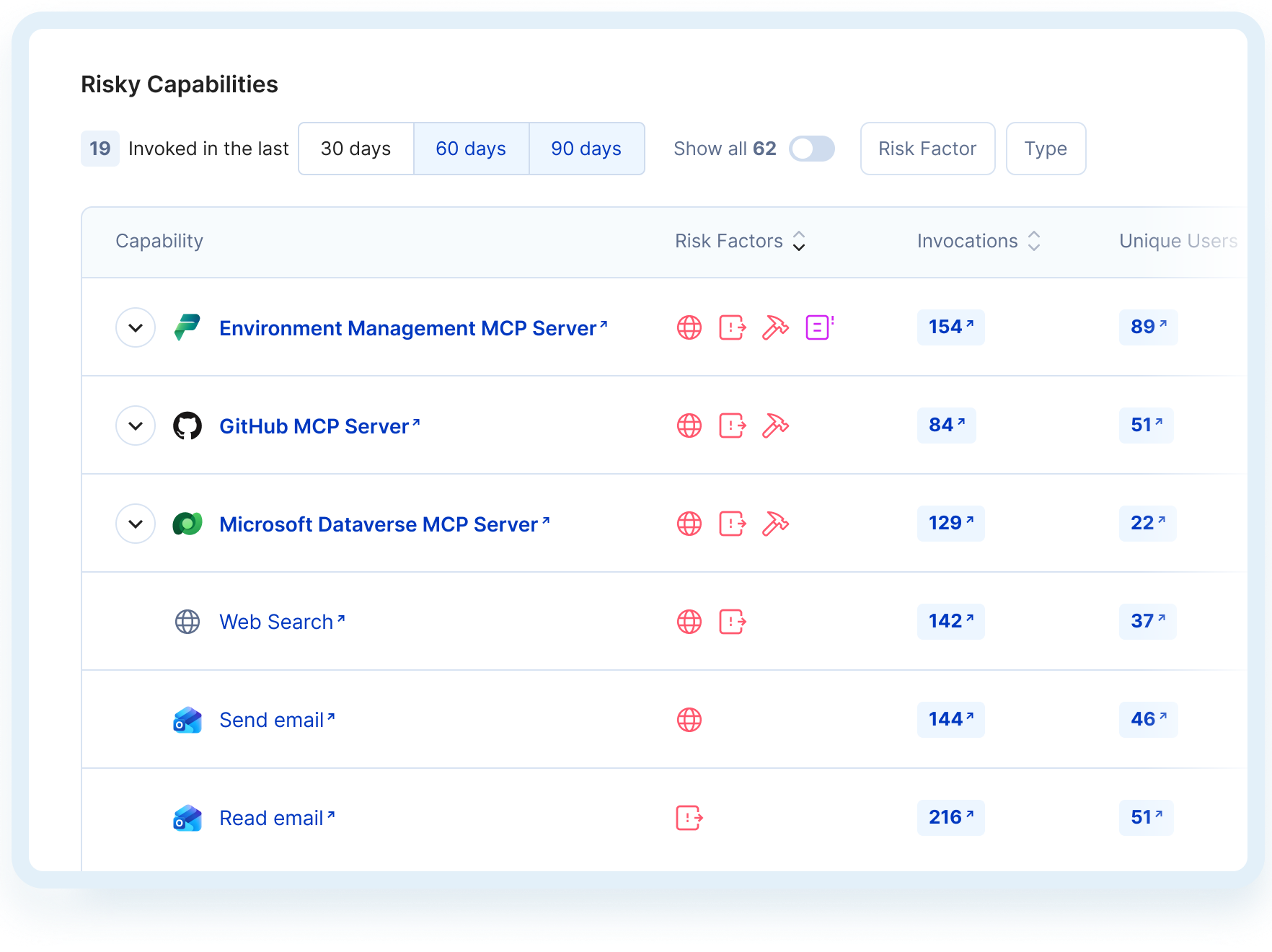
Assess Risk
Opsin automatically finds risky connectors and sensitive data exposures, matching them to your governance posture. No tagging required.
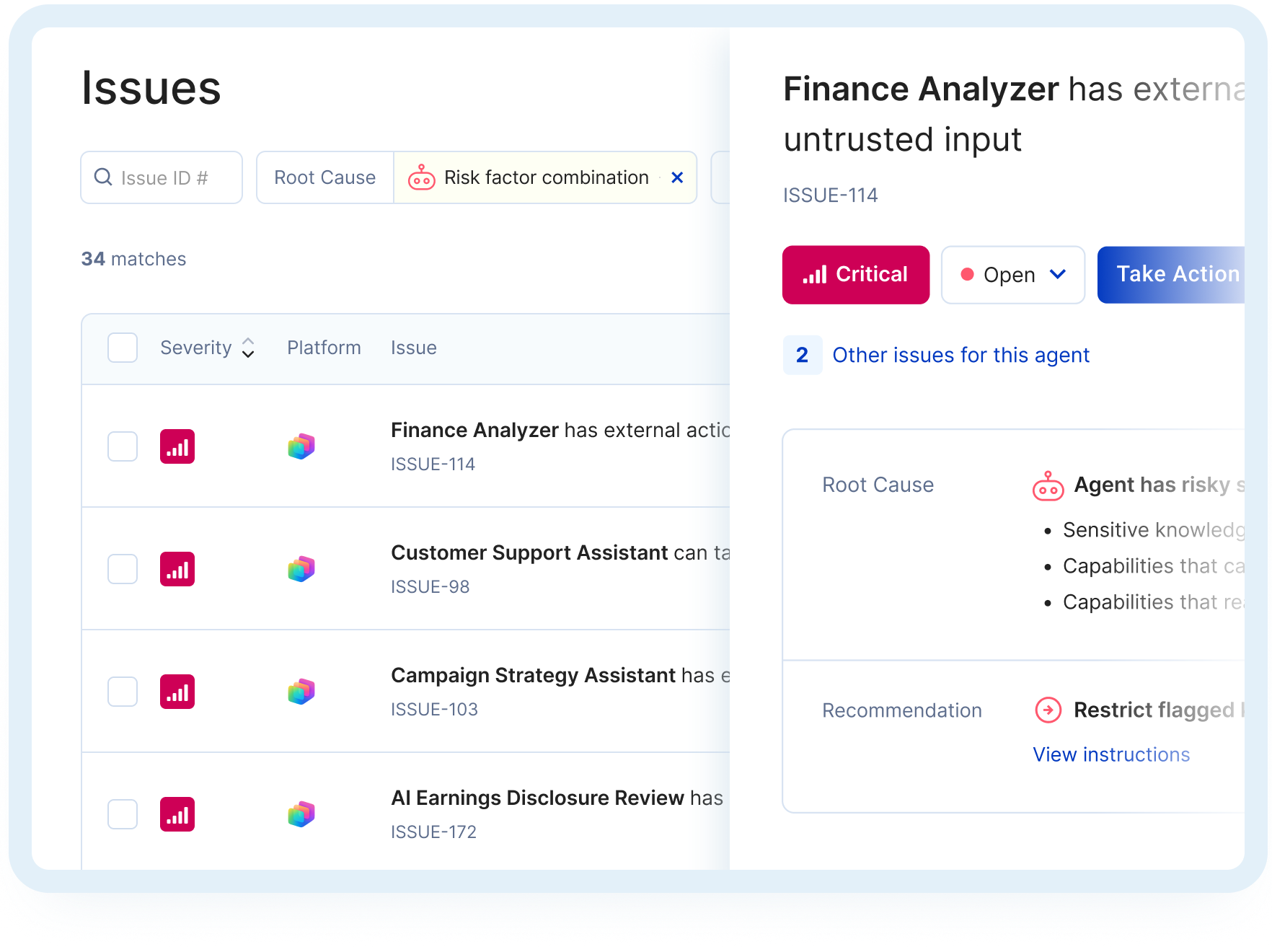
Find Risky Combinations
Opsin prioritizes risk findings, then recommends scope changes, agent quarantine, or connection removal with step by step instructions on what to fix.
From connector list to prioritized action
Connect enterprise AI platforms
Classify connection access
Prioritize and fix MCP risk
Assess agent risk with confidence


Extend protection across the agent lifecycle
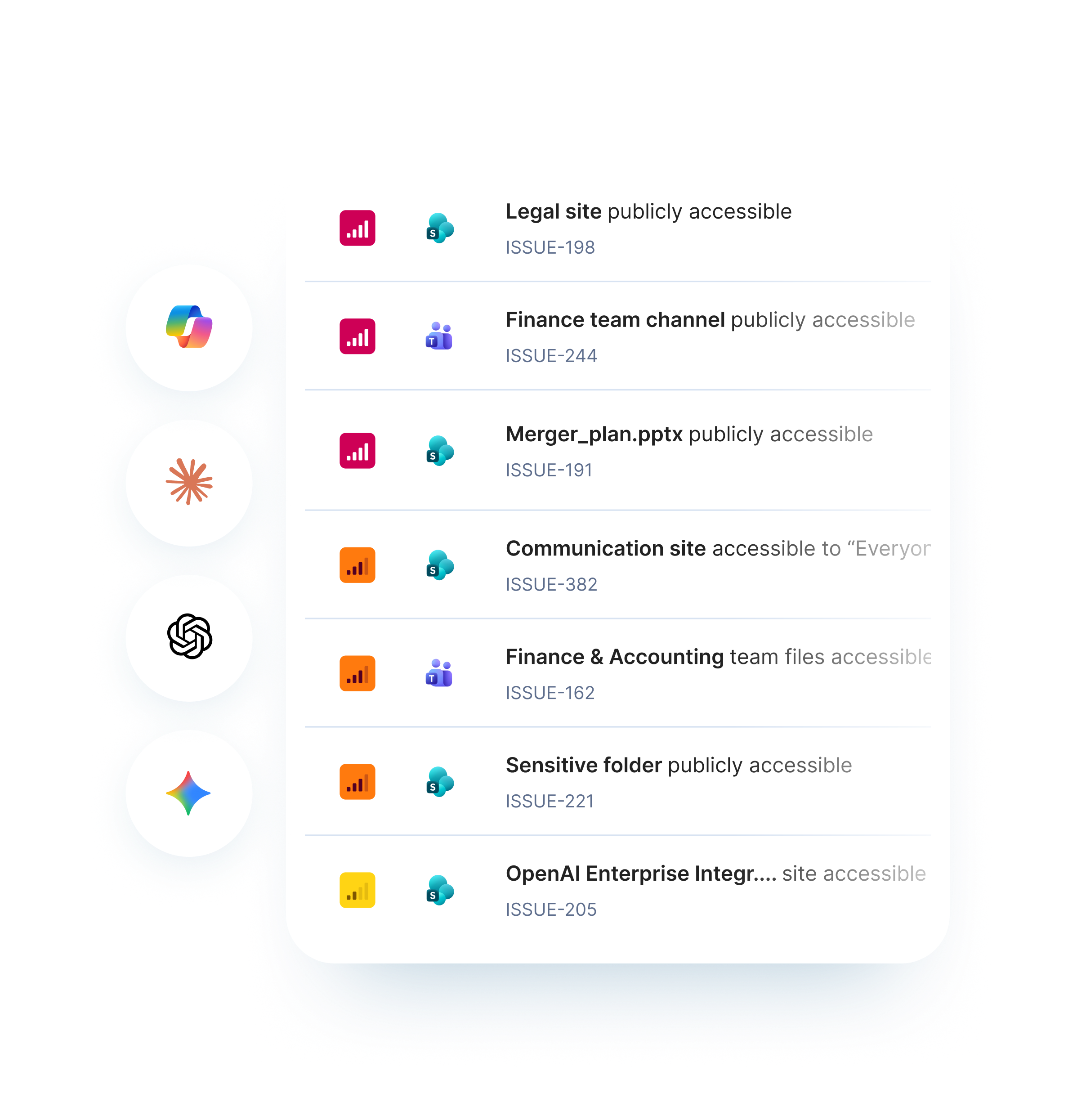
Ongoing Oversharing Protection
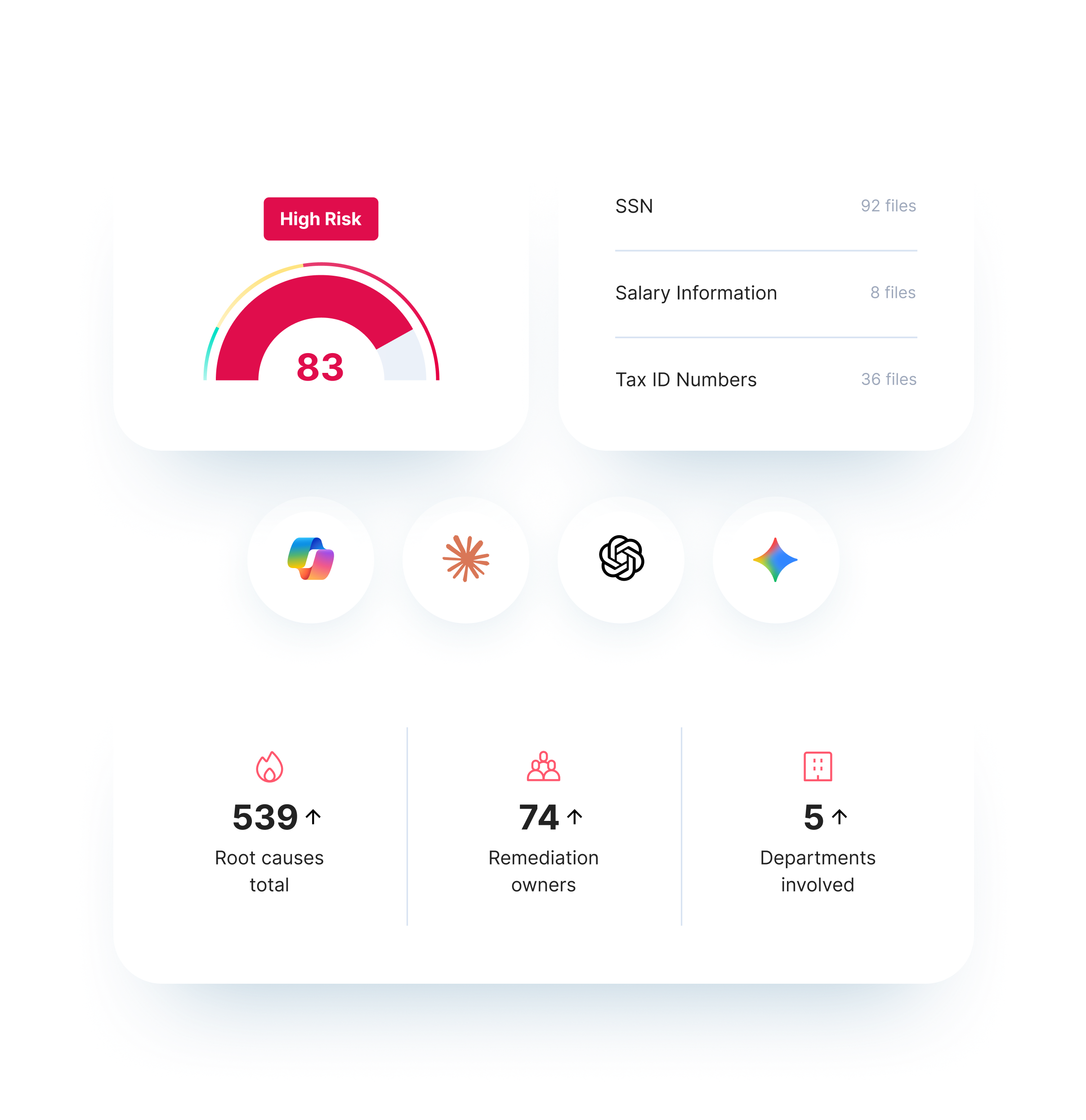
AI Risk Assessment
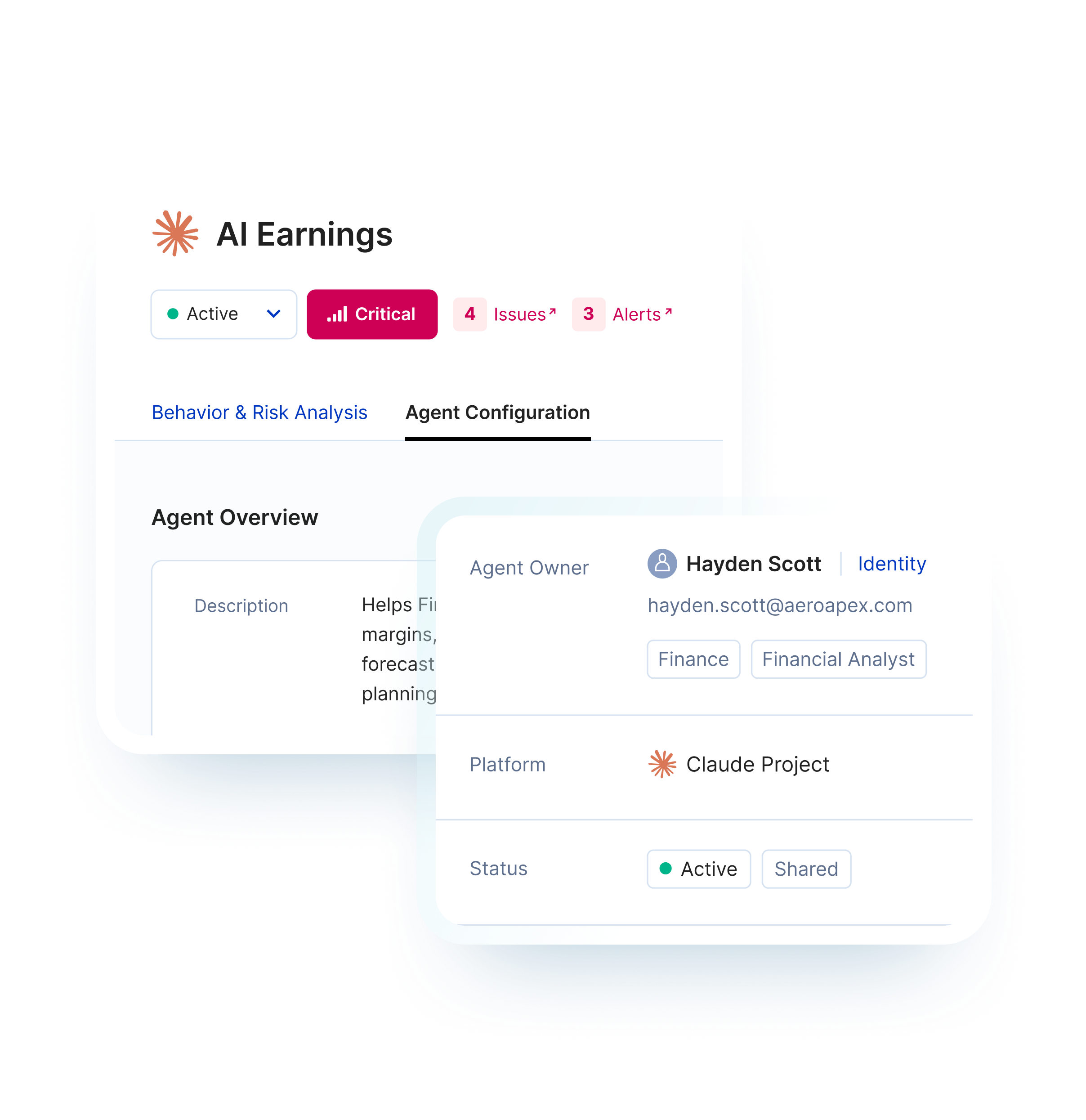
Agent Identity Security
What is MCP (Model Context Protocol)?

MCP is an open standard that lets AI agents call external tools and data sources such as file systems, databases, and SaaS apps. Every MCP server an agent can invoke extends what that agent can reach, which is why MCP belongs in your security picture.
What are the main MCP security risks?
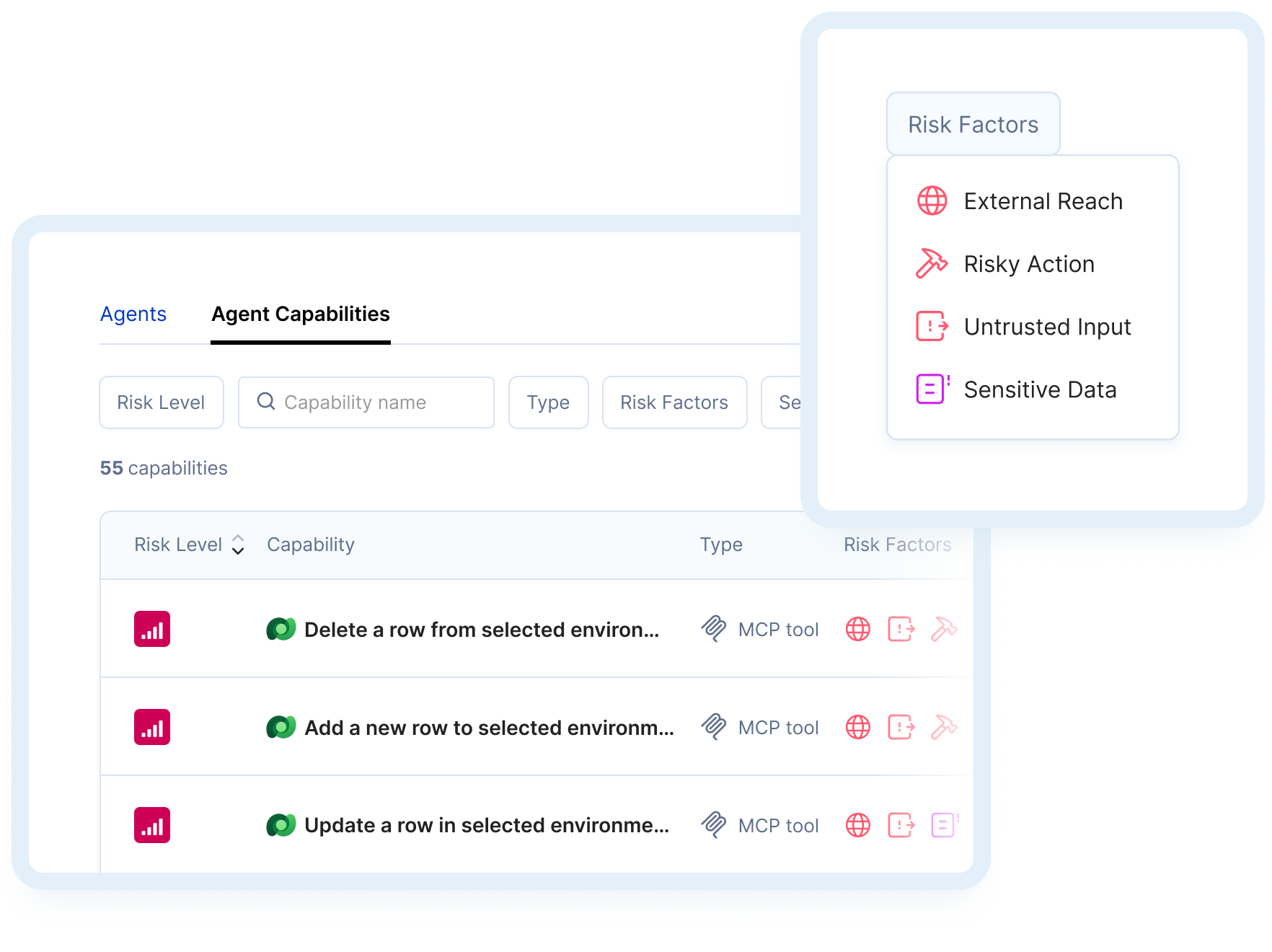
The risks Opsin flags, in order of impact:
- Data exposure through over-permissioned or sensitive connections
- Risky actions such as deleting or modifying records
- Untrusted input reaching powerful tools
- External reach that moves data outside your environment
For a field guide to how these play out, read The Mushroom Market.
How does Opsin discover MCP servers?
Opsin builds the inventory from enterprise AI platform APIs, with no agents to deploy and no traffic to route. Each tool is classified by capability and mapped to the agents using it, extending the same approach as Agent Discovery.
Can we restrict which agents use an MCP server?
Yes. Teams can restrict risky MCPs, tag connections that hold sensitive data, and mark reviewed servers as verified. Enforcement then matches how sensitive each connection is, and runtime monitoring catches agents that misuse approved tools.
How common is excessive MCP access?
Very. Opsin found 60% of agents provisioned beyond default settings were granted allow-all access beyond what their tasks required (2026 State of Agentic Adoption Report).
How do we get started with MCP governance?
Start with visibility. A free AI Readiness Assessment shows every MCP server your agents can invoke, delivered within 24 hours.
Why use Opsin for MCP security?
Opsin shows MCP servers in context: which agents use them, what they can reach and what they can change. The inventory comes from platform APIs with nothing to deploy. Each tool is classified by capability and exposure, your team tags the sensitive connections, and you restrict, tag or verify MCPs from one view. MCP risk shows up at runtime too; see Agent Runtime Security.
Turn agent sprawl into risk clarity